File formats
What MP3 Bitrate Should I Use?
Bitrate is the single setting that decides an MP3's size and much of its quality. Too low and music sounds swishy; too high and you waste space for no audible gain. Here are practical choices for common jobs, with real file sizes from our tests.
Quick answer
For everyday music, 192 kbps is a sound default; use 256–320 kbps for DJing or files you'll process again, and 128 kbps when space matters. For speech, 64–96 kbps in mono is clear and small. Never convert a low-bitrate file to a higher bitrate: the file grows but the quality doesn't. Keep a lossless original if you can.
What bitrate means
An MP3 stores a compressed description of the sound. The bitrate is how much data it spends on each second, in kilobits per second (kbps). Our tools encode at a constant bitrate, so size is easy to predict: kbps × seconds ÷ 8 = kilobytes. A 4-minute song at 192 kbps is 192 × 240 ÷ 8 = 5,760 KB, about 5.8 MB.
Lower bitrates force the encoder to discard more detail. It removes what's least audible first, mostly the highest frequencies and quiet sounds masked by louder ones, so quality drops gradually until artefacts become noticeable: dull cymbals, a "swishy" or watery texture, smeared drum hits.
Tested: one song at four bitrates
We encoded the same 31-second stereo test song (a 5.5 MB, 16-bit, 44.1 kHz WAV) with the WAV to MP3 converter at each standard setting:
| Bitrate | File size | Smaller than the WAV by | Per minute of stereo audio |
|---|---|---|---|
| 96 kbps | 373 KB | 93% | ≈ 0.7 MB |
| 128 kbps | 497 KB | 91% | ≈ 1.0 MB |
| 192 kbps | 745 KB | 86% | ≈ 1.4 MB |
| 320 kbps | 1.24 MB | 77% | ≈ 2.4 MB |
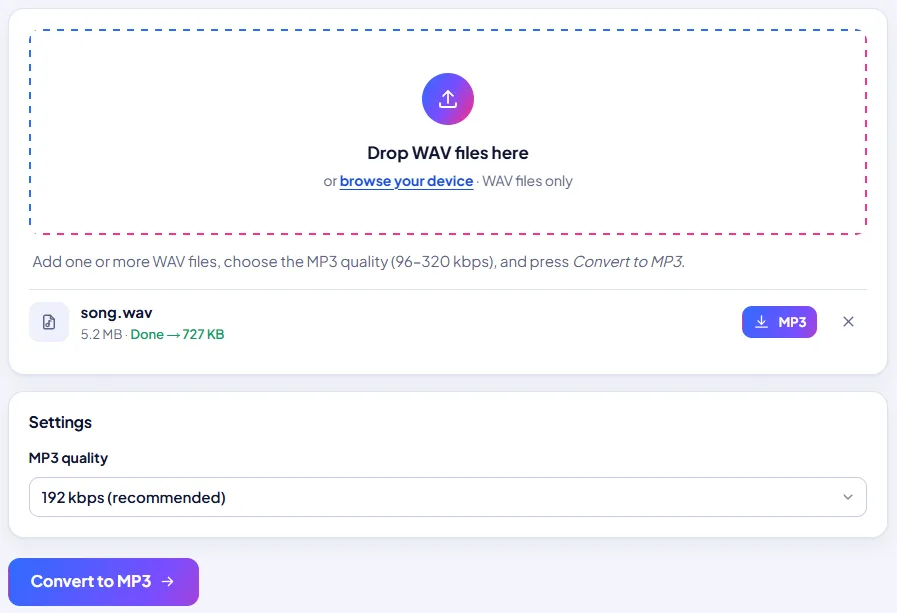
Each file matched the formula to within a few kilobytes. You can hear what lower bitrates do to music in our compression guide's audio examples.
Recommended settings
| Job | Bitrate | Channels | Why |
|---|---|---|---|
| Voice notes, meetings, lectures | 64–96 kbps | Mono | Speech stays clear; mono doubles the data available per channel |
| Audiobooks and podcasts | 64–96 kbps (mono) or 128 kbps (stereo, with music) | Mono unless there's stereo music | Small files that still sound natural |
| Everyday music listening | 192 kbps | Stereo | A good balance; many listeners can't reliably tell it from higher settings |
| DJ sets, files you'll edit or process again | 256–320 kbps (or WAV) | Stereo | More headroom before artefacts build up through further processing |
| Strict size limits (email, uploads) | Calculate it | Mono for speech | See compressing for email |
| Archiving | Don't use MP3 | – | Keep the lossless original (WAV or FLAC); you can always make MP3s from it |
Hearing varies, and so do headphones and speakers. If quality really matters, test it: export the same section at 128, 192 and 320 kbps, have someone play them to you in random order, and see whether you can reliably pick the higher bitrate.
Common mistakes
- "Upgrading" a low-bitrate file. Converting a 128 kbps MP3 to 320 kbps makes the file 2.5 times bigger and sounds no better. Detail lost in the first encoding can't be recovered.
- Re-encoding repeatedly. Each MP3 encode loses a little more. Edit in WAV and encode to MP3 once, at the end.
- Using stereo for speech. A mono voice recording at 64 kbps generally sounds better than the same recording in stereo at 64 kbps, because the data isn't split between two near-identical channels.
- Expecting 320 kbps on low sample rates. At sample rates below 32 kHz, MP3 (in its MPEG-2 form) tops out at 160 kbps, so our tools cap the bitrate automatically in that case.
MP3 or something else?
Newer codecs such as AAC and Opus sound better than MP3 at the same bitrate, especially at low bitrates. MP3's advantage is compatibility: car stereos, older players, upload forms and practically every app accept it. That's why our tools export MP3 (or lossless WAV). If you're sending audio to a modern phone app that will re-encode it anyway, a decent MP3 is still a perfectly good starting point.
References
- lamejs, the JavaScript version of the LAME MP3 encoder used by our tools.
- MDN web audio codec guide, comparing MP3, AAC, Opus and others.
Frequently asked questions
Is 320 kbps better than 192 kbps?
It contains more data and is 1.7 times larger. Whether you can hear a difference depends on the music, your equipment and your ears. For editing or DJ use, 320 kbps (or WAV) is the safer choice; for listening, 192 kbps is usually enough.
What bitrate is best for podcasts?
For speech-only shows, 64–96 kbps mono. If the show has a lot of stereo music, 128 kbps stereo.
How big is a 3-minute MP3?
About 2.9 MB at 128 kbps, 4.3 MB at 192 kbps and 7.2 MB at 320 kbps (kbps × 180 seconds ÷ 8).
Does converting WAV to MP3 lose quality?
Yes, MP3 is a lossy format. At 192 kbps and above the loss is small for most listeners. Keep the WAV if you may need the full quality later.
Can I check a file's bitrate?
Most music players and file-info panels show it. You can also estimate it: file size in kilobytes × 8 ÷ length in seconds.